Notification

Notification enables real-time messaging and seamless communication with your colleagues.
Navigation
- Home: Click the Home icon in the top-left corner of the screen.
- Notifications: Click the Bell icon on the left sidebar.
How to Start a New Chat
1. Click New Message at the top of the screen.
2. Click the dropdown list.
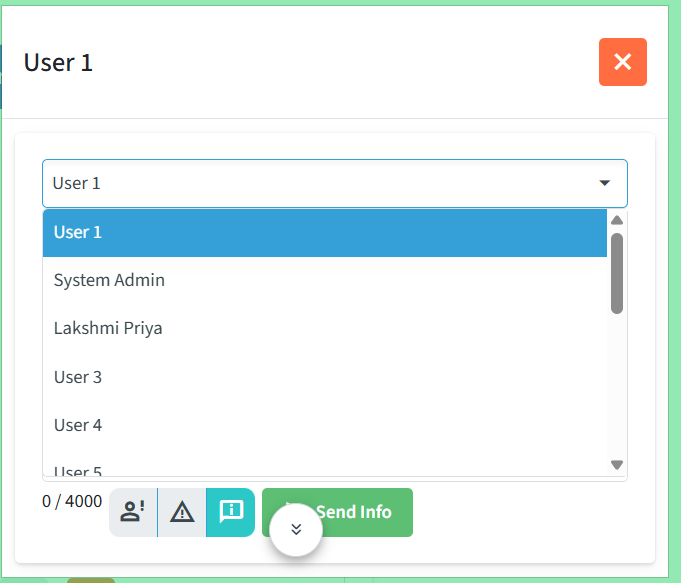
3. Select the Person you want to message.
4. Type your message in the chat window.

5. Click Send Info to send the message.
How to Reply to a message
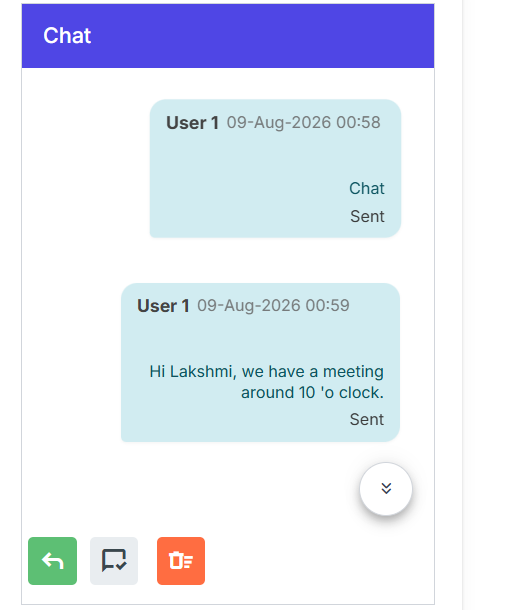
1.Open the chat you want to reply to.
2. Click the green Back Arrow button.
3. Type your reply in the message box. You can format the text using Bold, Italic, Underline, or Strikethrough.
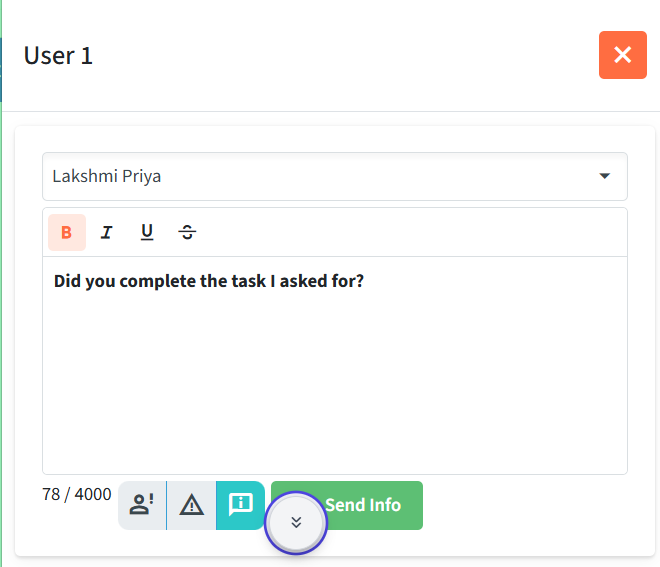
4. Click Send Info to send the reply.
Delete For Me
This option lets you delete the chat for yourself only.
Steps:
1. Navigate to the chat you want to delete.
2.Open the chat and find the orange dustbin icon at the bottom of the screen.
3. Click on it to delete the chat.
Alert / Warning / Info Message
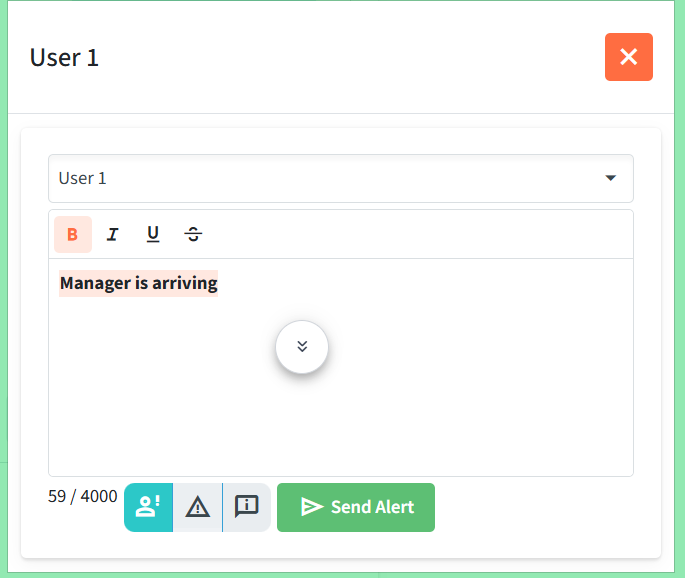
Alert Message
Alert is used when you want to send a alert message.
Navigation Message
You can find the Alert option at the bottom of the reply window. It is the first icon located next to the word count
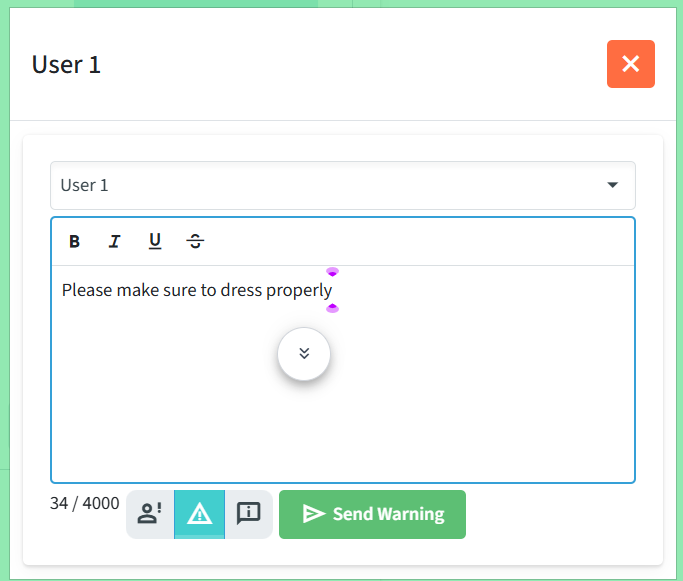
Warning Message
Warning is used when you want to send a warning message.
Navigation
You can find the Warning option at the bottom of the reply window. It is located next to the alert icon.
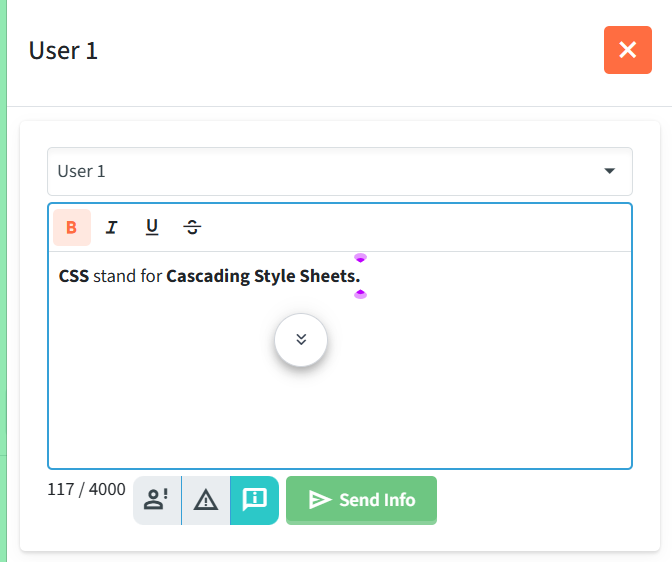
Info Message
Info is used when you want to send a Informative message.
Navigation
You can find the Alert option at the bottom of the reply window. It is next to the Warning icon and before Send info button.